Fix no Data, No Internet issue (Jamf)
Step 1
Find the settings app and open it
Step 2
Find the “Apps” option and open it

Step 3
Inside the “Apps” section, scroll down and find “Jamf Trust” and open it

Step 4
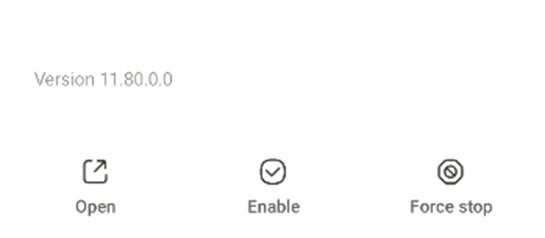
Scroll to the bottom, you will find 3 options, press “Force Stop”
Step 5
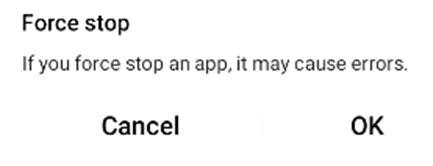
Press OK to confirm
Footnote
You will have to do this each time that you cannot connect to the internet / mobile connection. This is a temporary fix for an ongoing issue that will be resolved soon.