Log In to the Ticket System
Step 1
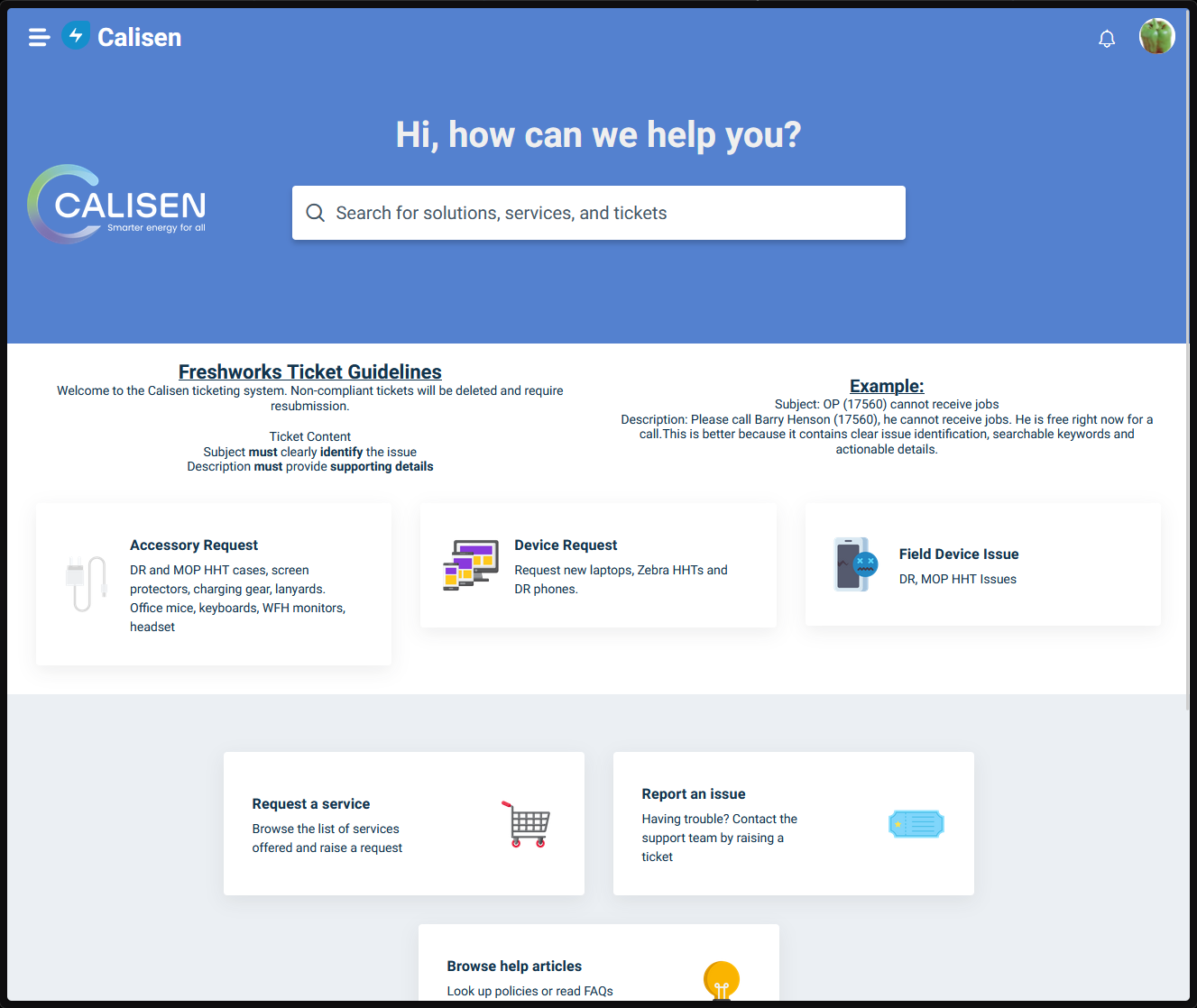
Visit the ticket system support portal
Step 2
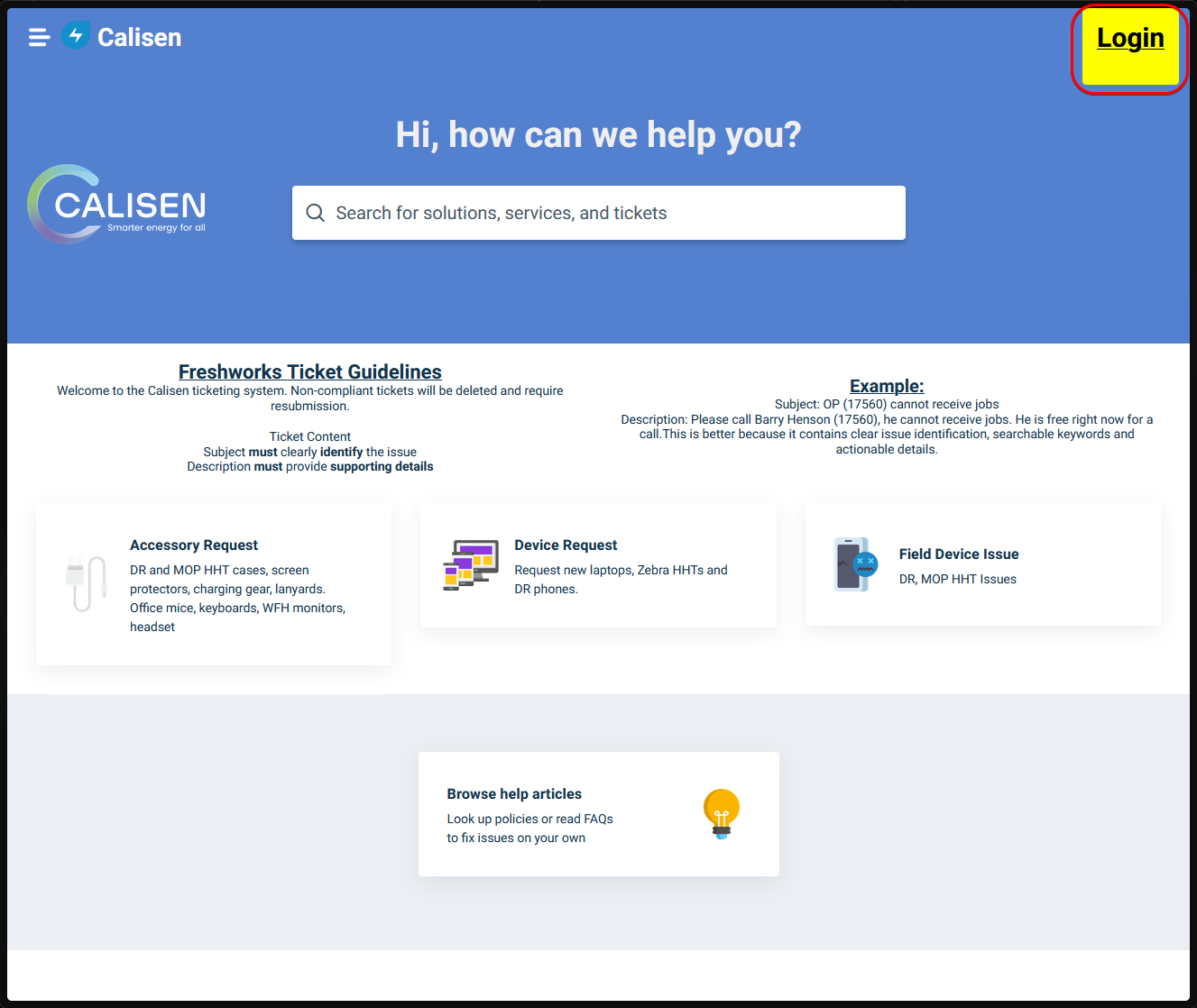
Find the login button in the top right corner and click it
Step 3
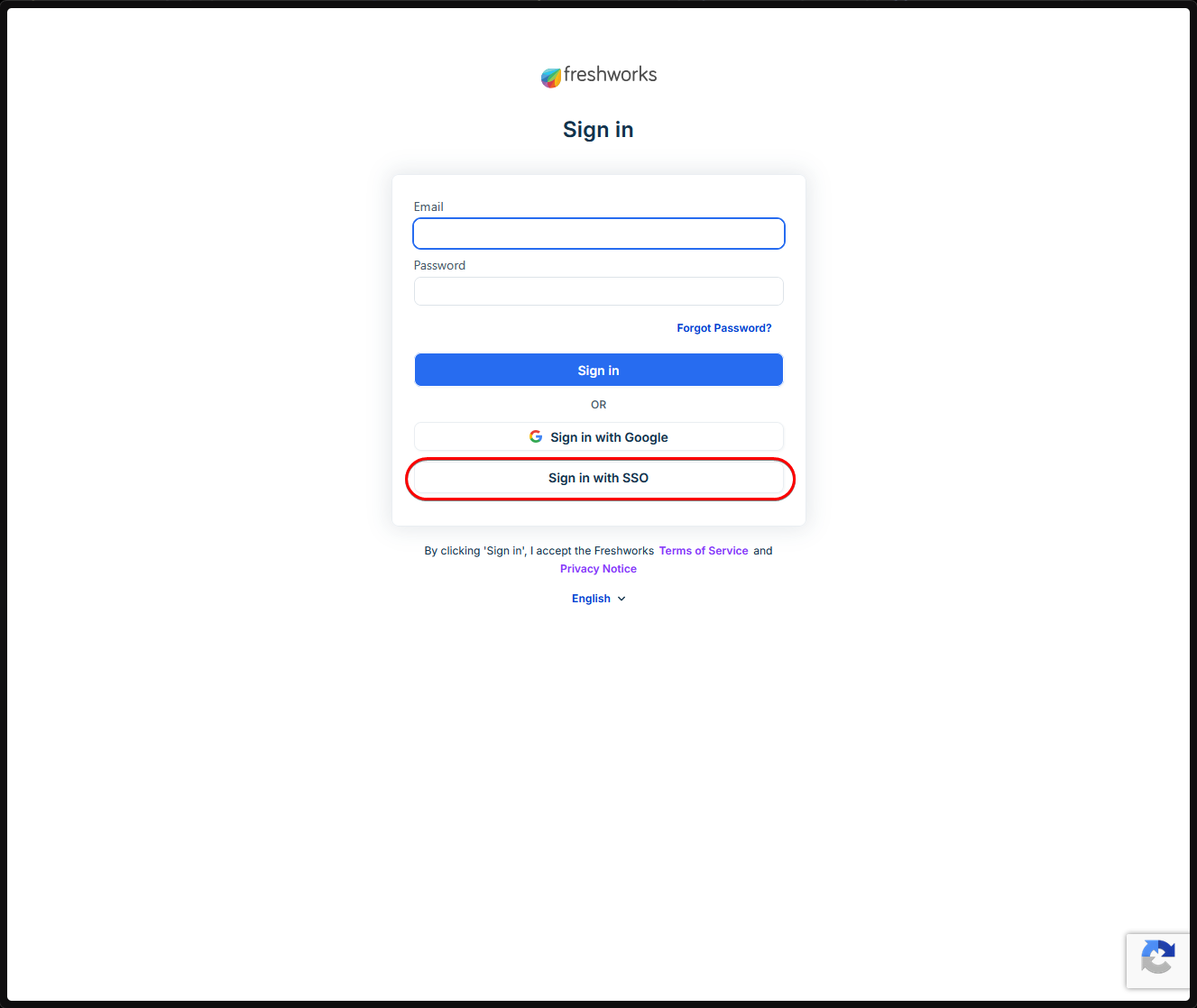
Click the ‘Sign in with SSO’ option
Step 4
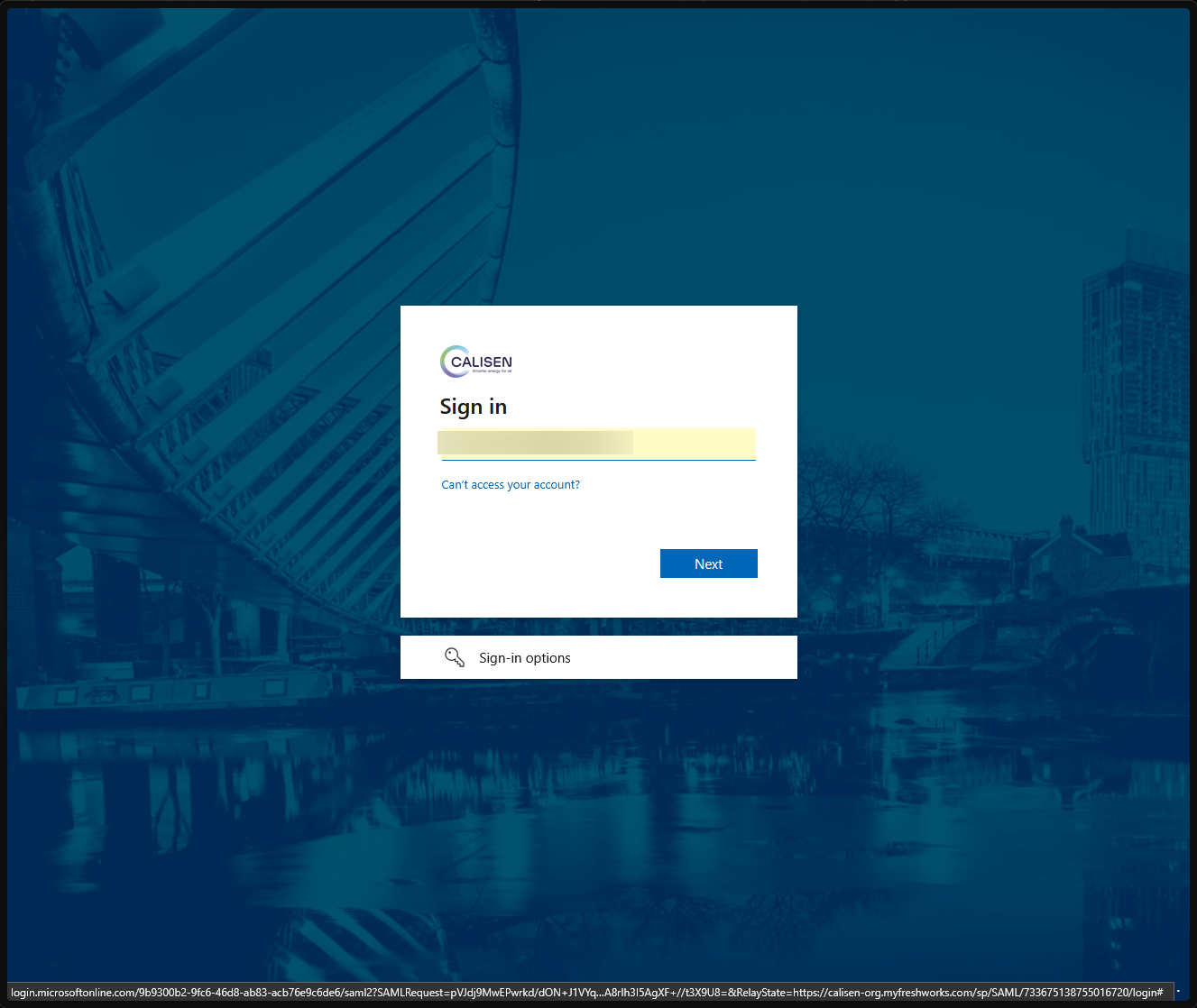
Enter your username for your calisen email and proceed
See example below:
John.Hammond@calisen.com
Step 5
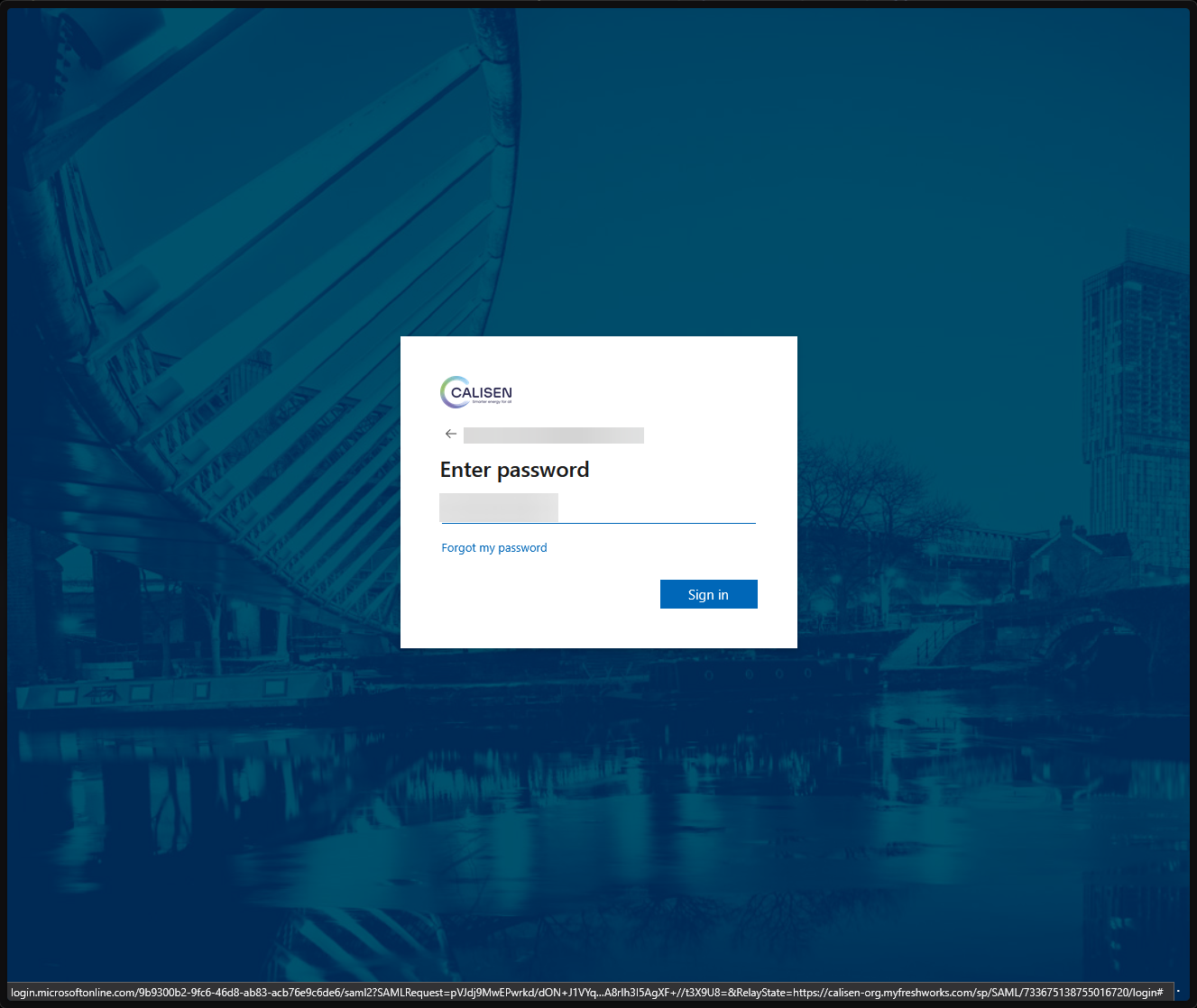
Enter your password and proceed
Finish
You should have access to the support portal now. Take a look at the service items before raising an issue to get a quicker response.